Establish Network in Data Center
As a first step, you need to install Docker. On your operating system, download and install the Docker image that contains the server we are going to use. Ensure that there is at least 10 GB of memory available on your machine (server) to avoid inconsistency on the server.
Start the Docker container. Once started, a menu will be displayed, which you can control depending on your goal.
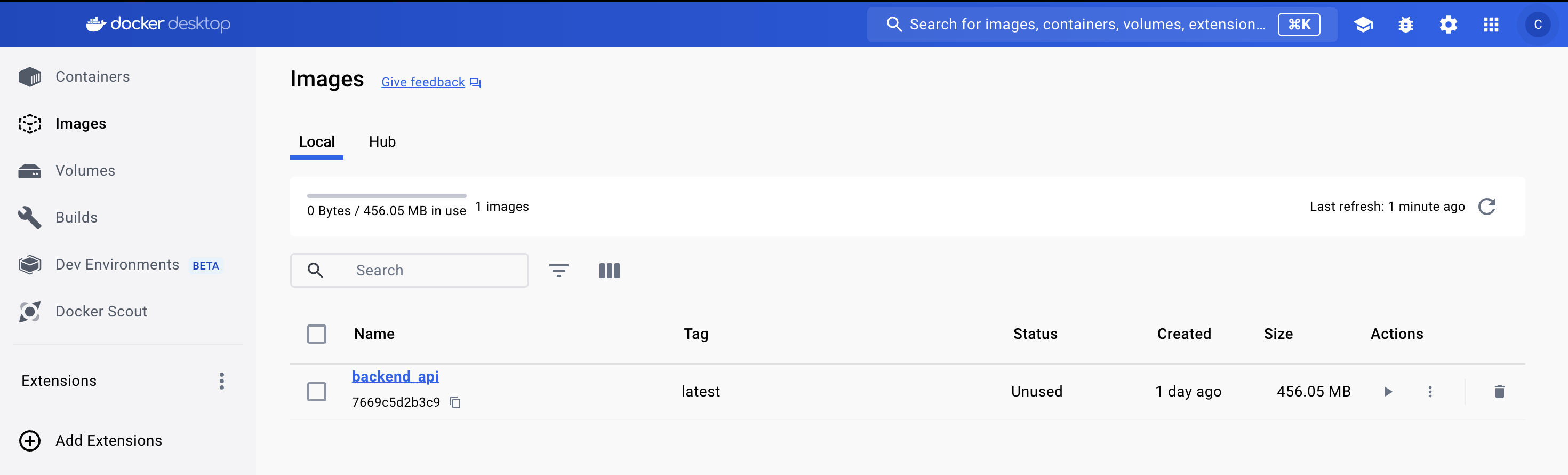
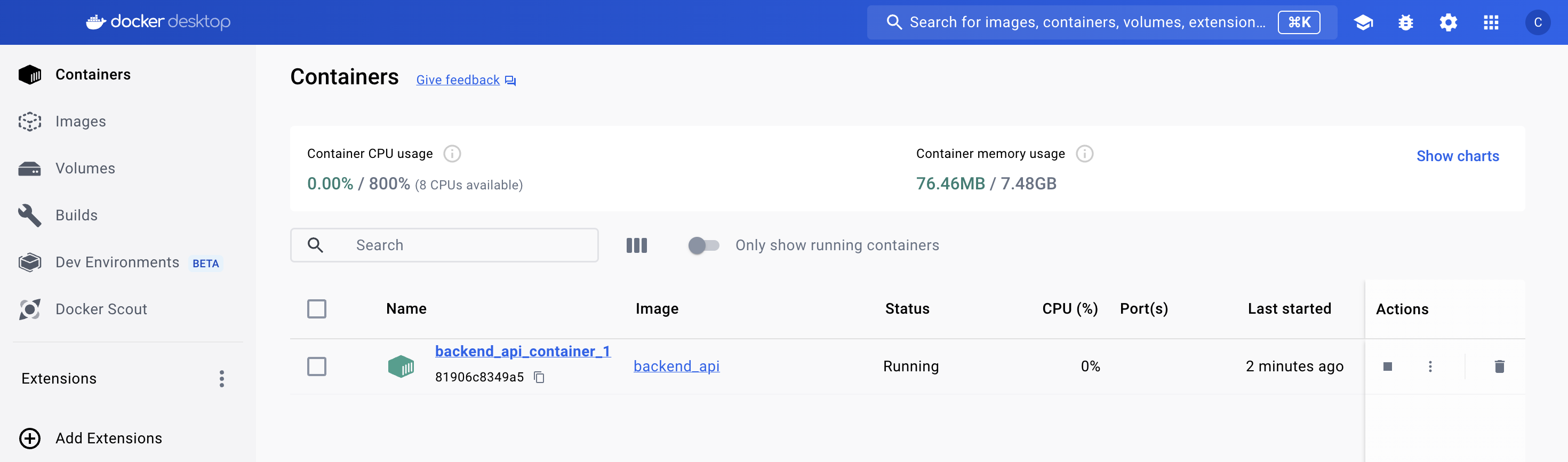
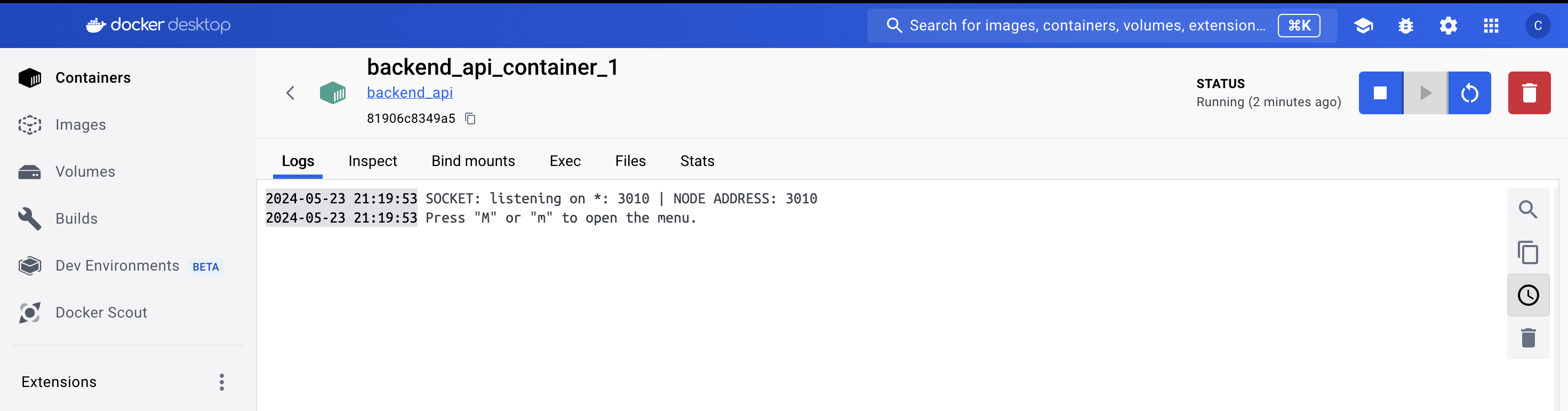
The image will be provided in the root folder /image of the thesis submission. To start, simply click on the button icon RUN and specify the PORT you want to work on.
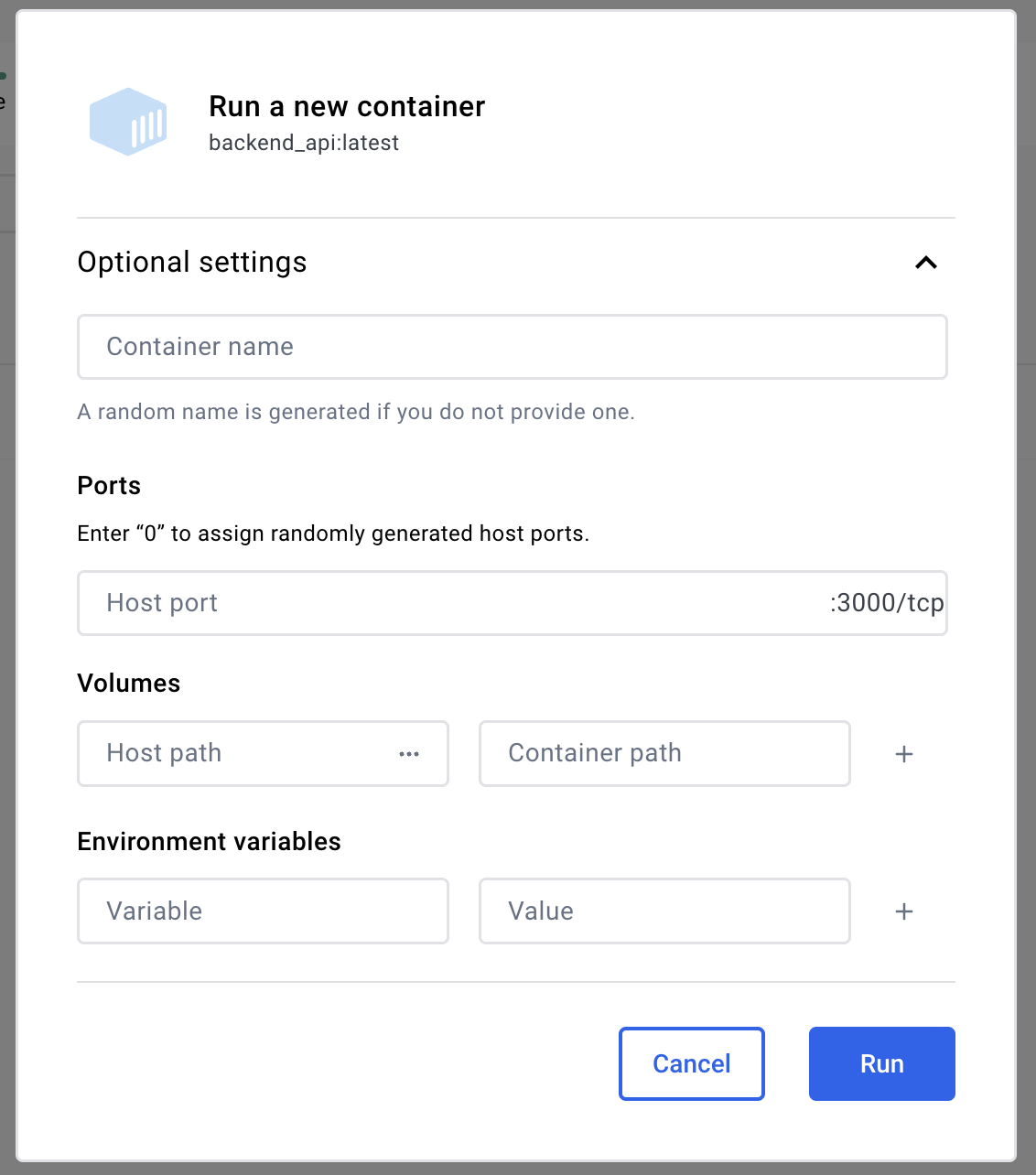
If everything is working fine, you should see an output similar to this:
These steps are also accessible via the console using the command line in the developer documentation chapter. For more details, you can refer to it as well.
Server Setup
The web interface in the browser has a Node.js back-end server. If you’re running it on a local machine, you can start the server using the following command:
$ npm run dev
Access to the System (Web)
Open any internet browser (e.g., Google Chrome, Firefox, Safari, etc.) and enter the following URL into the browser’s address bar: http://localhost:3007/. During the development phase, 3007 was the default PORT; please adjust the PORT number accordingly.

Press the ENTER key, and the login page will appear.